
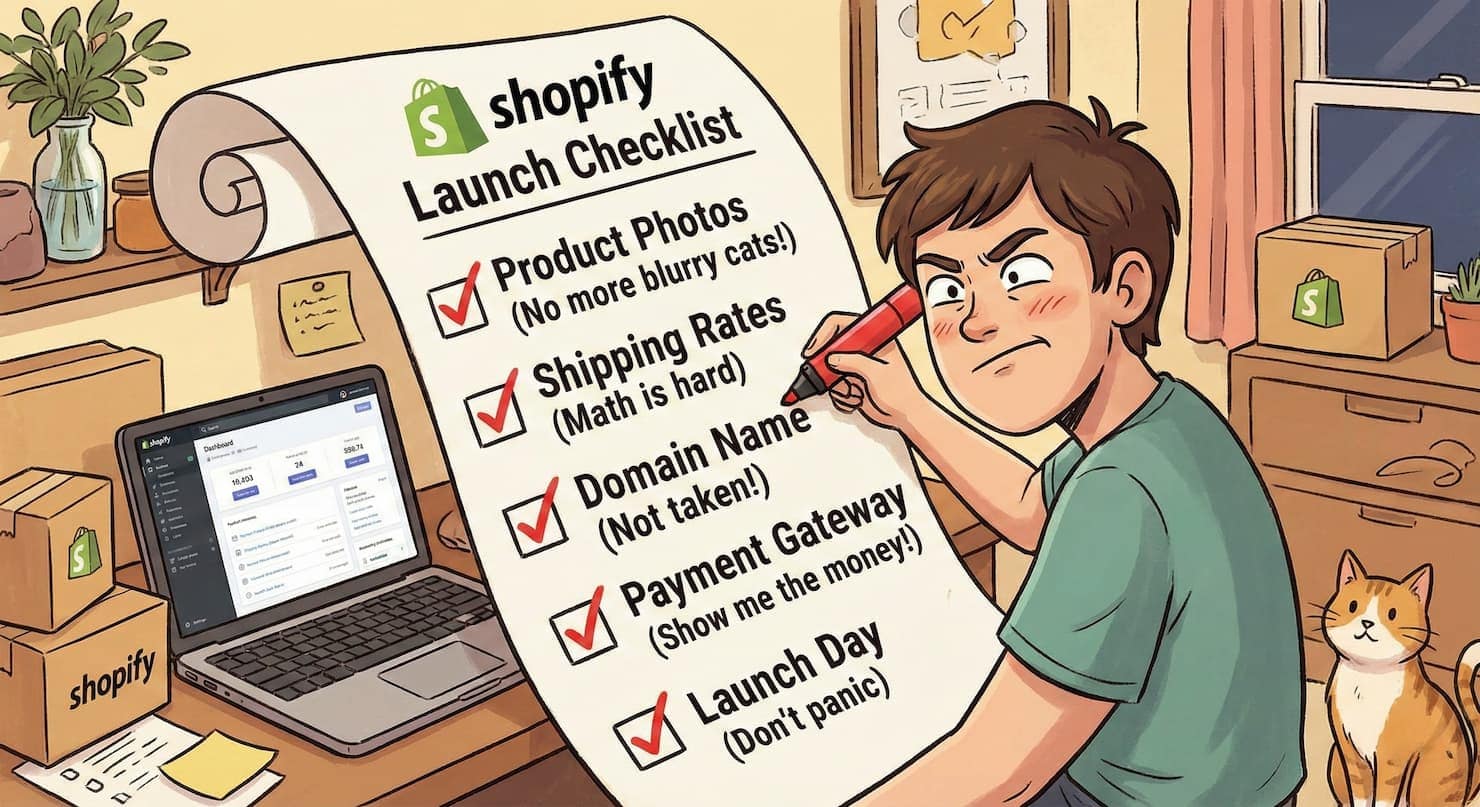
Having a Shopify launch checklist is the difference between a smooth, successful store opening and a stressful scramble to fix things while customers are watching.
After 14 years of building over 800 online stores, I’ve seen what happens when people skip the preparation. Broken checkout pages are discovered after the first customer tries to buy. Missing legal policies that put the entire business at risk. Email notifications that never send. Payment processors that aren’t properly configured.
These aren’t hypothetical problems. They’re real issues I’ve helped merchants fix—usually at midnight, usually in a panic, always preventable.
This Shopify launch checklist covers the 15 essential tasks you must complete before launching your Shopify store. I’m not including every possible thing you could check (that would be overwhelming). This is the focused list of tasks that actually matter for a successful launch.
Let’s make sure you’re ready.
Why You Need a Shopify Launch Checklist
Before we dive into the checklist before launching Shopify, let’s talk about why this preparation matters.
Launching without a plan creates three major problems:
Damaged first impressions. When customers encounter broken features or confusing experiences on day one, they rarely give you a second chance. Your Shopify launch checklist prevents these reputation-damaging issues.
Lost revenue. Every hour your checkout doesn’t work is money you’re not making. Using a proper Shopify pre-launch checklist ensures that payment processing, shipping, and order fulfillment all function correctly from day one.
Unnecessary stress. Discovering critical problems after launch means fixing them under pressure while potentially losing customers. Completing tasks before launching your Shopify store means you can troubleshoot calmly and thoroughly.
The time you invest in this Shopify launch checklist pays dividends in confidence, customer satisfaction, and actual sales.
The 15-Item Shopify Pre-Launch Checklist
This is your complete checklist before launching Shopify. Work through these items systematically, and you’ll launch with confidence.
1. Connect Your Custom Domain
Your store might be built, but if you’re still using the myshopify.com URL, you’re not ready to launch. Connecting a custom domain should be the first item on your Shopify launch checklist.
Why this matters before launching your Shopify store:
Custom domains look professional and build trust. Customers are more likely to buy from “yourbrand.com” than “yourbrand.myshopify.com.”
Custom domains are better for SEO. Search engines give more weight to your own domain than a Shopify subdomain.
How to complete this checklist item:
Go to Settings > Domains in your Shopify admin. Either buy a new domain through Shopify or connect an existing domain you own. Follow the DNS configuration steps Shopify provides.
Allow 24-48 hours for DNS changes to fully propagate across the internet.
2. Remove Password Protection
Your store is likely password-protected while you build it. This is the most common thing people forget on their Shopify launch checklist—they announce their store is live, but customers still hit a password screen.
How to remove the password before launching your Shopify store:
Go to Online Store > Preferences in your Shopify admin. Scroll to the “Password protection” section. Uncheck the box that says “Restrict access to visitors with the password.”
Click Save. Your store is now publicly accessible.
Don’t remove this protection until everything else on your Shopify pre-launch checklist is complete.
3. Test Your Entire Checkout Process
This is the most critical item on any checklist before launching Shopify. A broken checkout means zero sales, no matter how beautiful your store looks.
What to test before launching your Shopify store:
Enable test mode in your payment settings. Place several test orders using different payment methods (credit card, PayPal, etc.). Try different shipping addresses to verify shipping calculations work correctly.
Abandon a cart to test abandoned cart recovery emails (if you have them set up). Complete a purchase and verify that you receive the order confirmation email.
Check that orders appear correctly in your Shopify admin with accurate information.
Test on both desktop and mobile devices. Over 70% of e-commerce traffic comes from mobile, so your Shopify launch checklist must include mobile testing.
4. Verify All Payment Methods Work
Payment processing is too important to assume it works. This item on your Shopify launch checklist prevents the nightmare of customers being unable to pay.
What to verify before launching your Shopify store:
Confirm Shopify Payments (or your chosen gateway) is activated and verified. Test credit card payments using Shopify’s test card numbers. If you enabled PayPal, test a PayPal transaction.
Check that digital wallets (Apple Pay, Google Pay, Shop Pay) display correctly. Verify payment confirmation emails are sent automatically after purchase.
Don’t skip this part of your checklist before launching Shopify. Payment problems cost you immediate revenue.
5. Configure Tax Settings Correctly
Tax compliance isn’t optional, and mistakes can be expensive. Your Shopify launch checklist must include tax verification.
What to check before launching your Shopify store:
Go to Settings > Taxes and verify Shopify is collecting tax for your region. If you’re registered for sales tax in multiple states or countries, add those registrations.
Test checkout to confirm tax calculates correctly based on customer location. Consider consulting a tax professional if you’re selling in multiple jurisdictions.
Shopify handles most basic tax calculations automatically, but reviewing this ensures you’re compliant from day one.
6. Add All Essential Pages
Certain pages aren’t optional—they’re legally required in most jurisdictions. These pages also build customer trust, making them critical for your Shopify launch checklist.
Essential pages to create before launching your Shopify store:
About Us: Tell your story. Who are you? Why did you start this business? Contact Us: Provide email, phone, or a contact form so customers can reach you. FAQ: Answer common questions about shipping, returns, and products.
Privacy Policy: Required by law in most places. Shopify provides a template. Terms of Service: Outlines the rules for using your store. Refund/Return Policy: Clearly explain what customers can return and how.
Shipping Policy: Detail delivery timeframes and costs.
Create these pages in Online Store > Pages in your Shopify admin. Link them in your footer navigation so customers can easily find them.
7. Set Up Google Analytics
You can’t improve what you don’t measure. Adding analytics before launching your Shopify store means you’ll have data from day one.
How to add this to your Shopify launch checklist:
Create a free Google Analytics account if you don’t have one. Copy your Google Analytics tracking ID (it starts with “G-” or “UA-“).
In Shopify, go to Online Store > Preferences and paste your tracking ID in the Google Analytics section. Save your changes.
Once you launch, Google Analytics will track visitors, page views, conversion rates, and more. This data becomes invaluable for growing your business.
8. Configure Email Notifications
Email notifications tell customers their order was received, shipped, and delivered. Missing or broken emails confuse customers and increase support inquiries. This belongs on every Shopify launch checklist.
What to verify before launching your Shopify store:
Go to Settings > Notifications in your Shopify admin. Review each email template (order confirmation, shipping confirmation, etc.). Customize the templates with your branding if desired.
Send yourself test emails to verify they look correct and contain accurate information. Check that the “from” email address is your custom domain, not a Shopify address.
9. Add Your Logo and Brand Elements
Your checklist before launching Shopify should include final branding touches that make your store feel professional and cohesive.
What to add before launching your Shopify store:
Upload your logo to your theme (usually in the header section). Set your brand colors in the theme customizer. Choose fonts that match your brand personality.
Add a favicon (the small icon that appears in browser tabs). Ensure your logo displays correctly on both desktop and mobile devices.
Consistent branding builds recognition and trust from your first customer onward.
10. Check Mobile Responsiveness
More than half of online shopping happens on mobile devices. If your store doesn’t work well on phones, you’re losing sales. Mobile testing is non-negotiable on your Shopify launch checklist.
How to test mobile responsiveness before launching your Shopify store:
Open your store on your actual smartphone (not just desktop preview mode). Navigate through your homepage, product pages, and cart.
Try completing a purchase on your phone. Check that images load properly, and text is readable without zooming. Ensure buttons are large enough to tap easily.
Test on both iPhone and Android, if possible, as they render websites differently.
11. Set Up URL Redirects (If Migrating)
If you’re moving from another platform or changing your site structure, URL redirects prevent broken links. This is crucial for your Shopify launch checklist if you already have an online presence.
Why redirects matter before launching your Shopify store:
Without redirects, your old URLs become 404 errors (broken links). This frustrates customers who bookmarked products or found your site through search engines.
How to add redirects:
Go to Online Store > Navigation > URL Redirects in the Shopify admin. Add 301 redirects from your old URLs to your new Shopify URLs.
If you have many redirects, you can import them using a CSV file.
This protects your SEO rankings and prevents losing customers who try to visit old links.
12. Enable Security Features
Security builds trust and protects both you and your customers. Security checks are an essential part of any checklist before launching Shopify.
What to verify before launching your Shopify store:
Confirm your SSL certificate is active (Shopify includes this free, but verify the padlock icon appears in your browser).
Enable fraud analysis in Settings > Checkout to help identify suspicious orders. Set up two-factor authentication on your Shopify account to prevent unauthorized access.
Review your checkout settings to ensure customer data is handled securely.
13. Check Product Information Accuracy
Inaccurate product information leads to returns, negative reviews, and lost trust. Every item on your Shopify launch checklist matters, but product accuracy directly impacts sales.
What to verify before launching your Shopify store:
Review all product titles for clarity and accuracy. Double-check prices and compare-at prices.
Ensure product descriptions are complete, benefit-focused, and free of typos. Verify that product images are high quality and show the item accurately.
Confirm inventory quantities are correct. Check that product variants (sizes, colors) are all properly set up.
Make sure product weights are entered correctly for accurate shipping calculations.
14. Prepare Your Marketing Plan
A beautiful store means nothing if nobody visits it. Your Shopify launch checklist should include at least a basic plan for driving traffic.
Marketing basics to plan before launching your Shopify store:
Announce your launch to friends, family, and your personal social media networks. Prepare social media posts for launch day.
Set up basic Facebook and Instagram business pages. Plan your first promotional offer (launch discount, free shipping, etc.).
Consider setting up an email collection pop-up to start building your list from day one.
You don’t need a complex strategy before launching your Shopify store, but you do need a plan for how people will discover you exist.
15. Place Multiple Test Orders
The final and most important item on your Shopify pre-launch checklist is comprehensive testing. This validates that everything on your Shopify launch checklist actually works together.
How to test before launching your Shopify store:
Enable test mode for payments. Place orders as if you’re a real customer. Test different scenarios:
- Single item purchase
- Multiple items in one order
- Different payment methods
- Different shipping addresses
- Discount codes (if you have them)
Complete each order and verify:
- Confirmation emails arrive
- Orders appear correctly in your admin
- Payment processes correctly
- Shipping costs are calculated accurately
Test until you’re confident that every part of the customer experience works smoothly.
Common Mistakes on Launch Day
Even with a solid checklist before launching Shopify, people make these mistakes:
Announcing before removing password protection. Double-check that the password page is off before you share your store publicly.
Not testing on mobile. What works on desktop doesn’t always work on phones. Test both before you launch.
Forgetting to connect your domain. Using your myshopify.com URL makes you look unprofessional. Connect your custom domain first.
Skipping test orders. Don’t assume checkout works. Place actual test orders to verify.
Launching without a traffic plan. Build it, and they won’t come. Have at least a basic plan for driving visitors to your new store.
Your Post-Launch Shopify Checklist
Once you’ve completed your Shopify pre-launch checklist and launched, these tasks become your priorities:
Monitor your first few real orders closely. Be ready to help your first customers if they have questions. Check that all automated emails are sending correctly.
Review Google Analytics to see where your traffic comes from. Fix any issues that customers report immediately.
Start executing your marketing plan to drive more traffic.
The work doesn’t stop when you launch a Shopify store, but completing this Shopify launch checklist ensures you start strong.
Printable Shopify Launch Checklist
Here’s a condensed version of this Shopify launch checklist you can print and check off:
- Connect custom domain
- Remove password protection
- Test the entire checkout process
- Verify all payment methods
- Configure tax settings
- Add all essential pages (About, Contact, FAQ, Policies)
- Set up Google Analytics
- Configure email notifications
- Add logo and brand elements
- Check mobile responsiveness
- Set up URL redirects (if needed)
- Enable security features
- Check product information accuracy
- Prepare marketing plan
- Place multiple test orders
Your Next Steps
You now have a complete Shopify launch checklist covering everything you need to verify before launching your Shopify store.
Here’s what to do:
- Print this checklist or save it somewhere you can easily reference
- Work through each item systematically over the next few days
- Don’t rush – taking time now prevents problems later
- Test thoroughly – especially checkout and mobile experience
- Launch confidently knowing you’ve prepared properly
The difference between stores that succeed and stores that struggle often comes down to preparation. This Shopify pre-launch checklist gives you that preparation.
Complete these 15 items, and you’ll launch your Shopify store with confidence, knowing everything works correctly and your customers will have a smooth experience from their very first visit.
Related Articles:
- How to Start a Shopify Store: A Complete 10-Step Guide for Beginners — Build your store from scratch
- How to Set Up Shopify Payments: A Simple Guide for Beginners — Configure payments correctly
- How to Set Up Shipping Rates on Shopify: The Easy Way — Get shipping working properly
- [You’ve Launched! Now What? 5 Things to Do in Your First Week] — What to do after completing this checklist
With 14+ years in ecommerce and over 800 stores built, I’ve helped countless merchants launch successfully by following systematic checklists. Have questions about launching your store? Drop a comment below.